
Tools built from the work
Useful things should prove themselves.
Each tool here can be opened or downloaded today, with its scope and limits stated plainly.
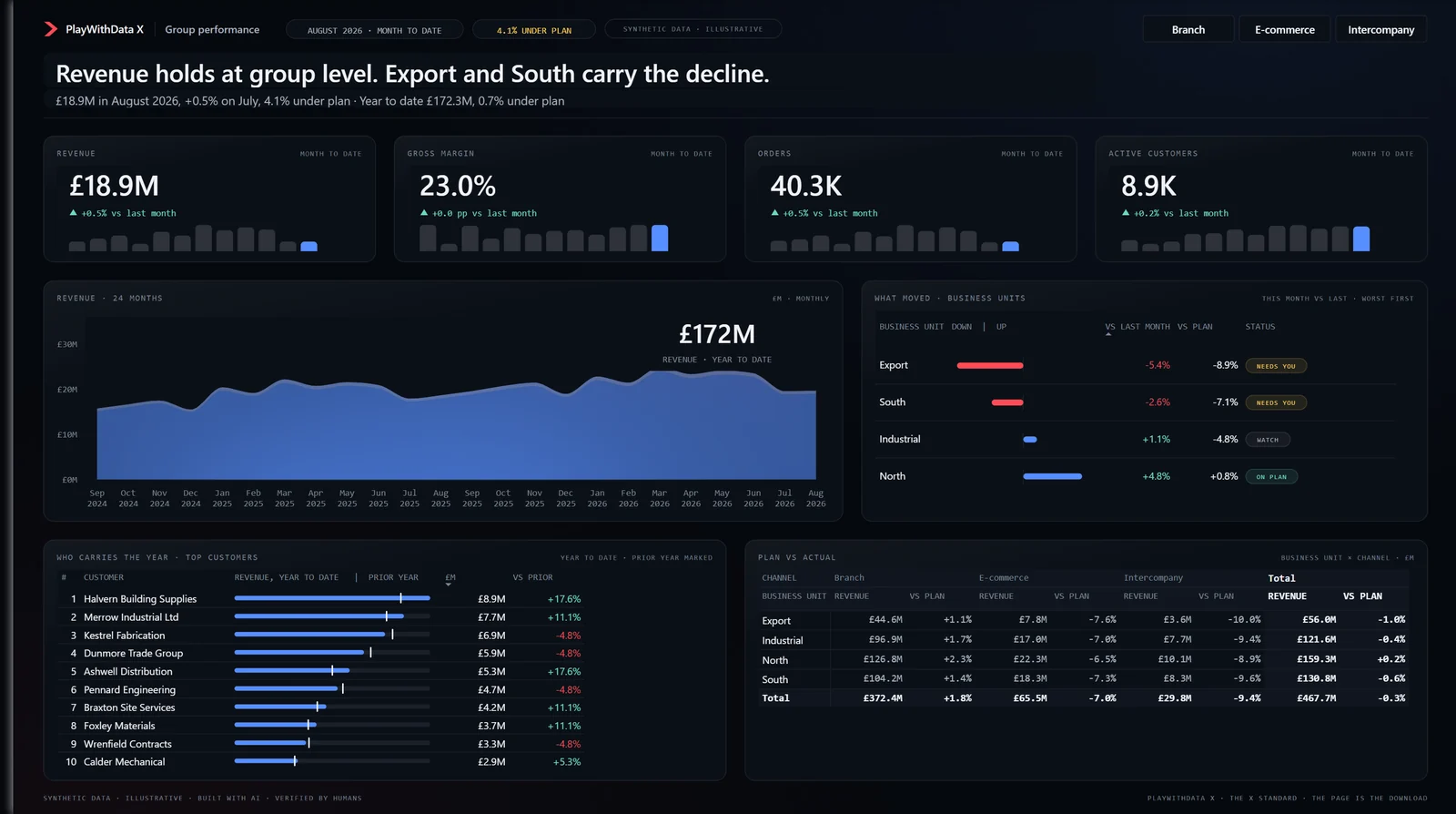
Rendered in Power BI Desktop · synthetic data
The Page · V0.7
One Power BI page. Every decision exposed.
A complete executive page, built natively in Power BI on synthetic data and shipped as a PBIP you can open, take apart and reuse. The notes say what renders, what breaks and why.
- Native Power BI
- PBIP
- Synthetic data
- Theme
- Measures
- Background and layout generator
- No custom visual
- No HTML visual
- No Deneb
V0.7 · confirmed on Power BI Desktop 2.157.1354.0
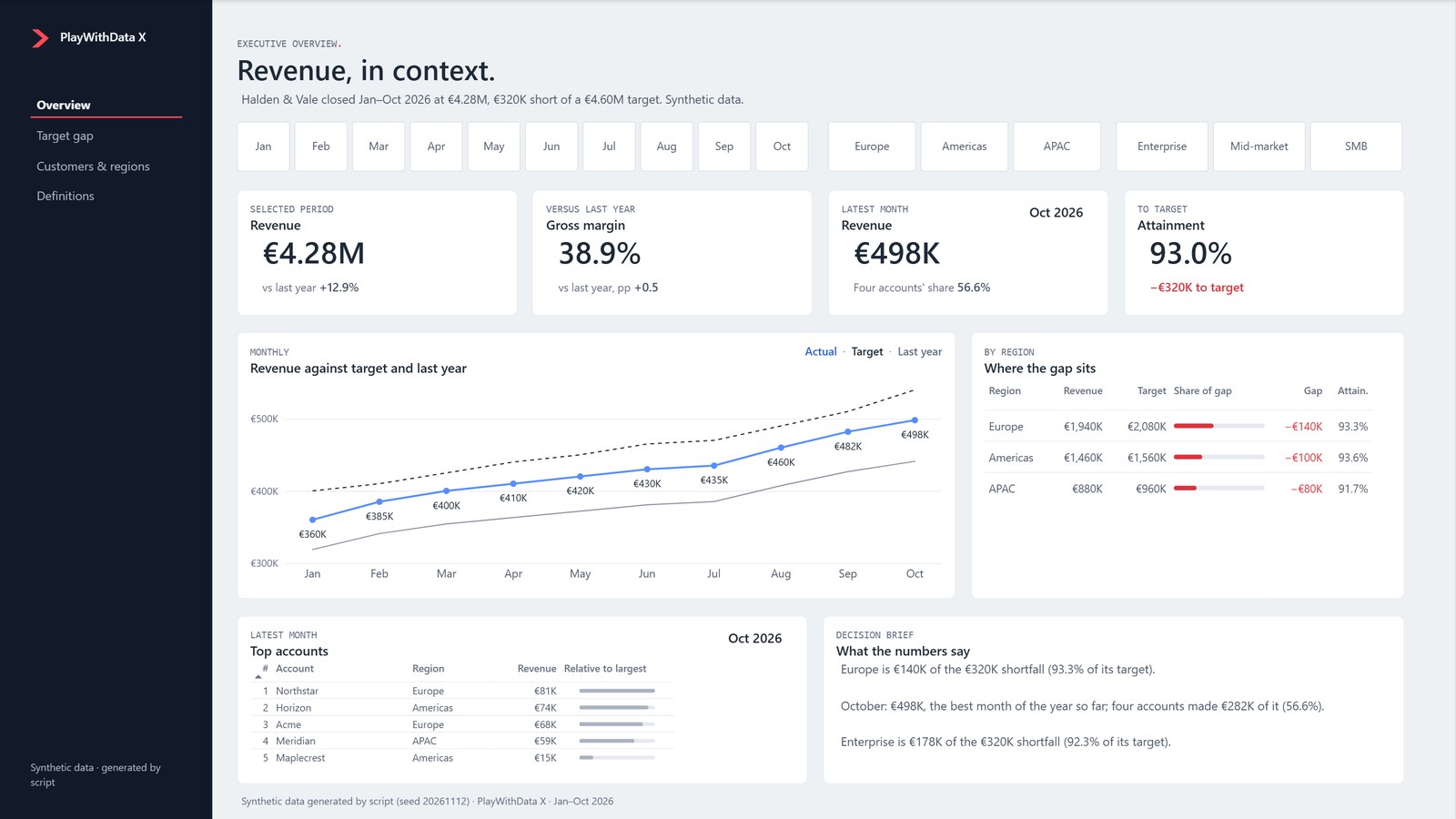
Executive Overview · rendered in Power BI Desktop 2.159.1231.0 · synthetic data
X Executive Revenue Kit · R1
Three pages that explain a target gap.
One editable PBIP with three native pages: Executive Overview, Target Gap Analysis and Customers & Regions. A star-schema model with a date table, documented measures, working navigation and slicers, a light theme and original synthetic data, with a guide to replace it with yours.
- Native Power BI
- PBIP
- Three pages
- Star-schema model
- Documented measures
- Light theme
- Synthetic data
- Data dictionary
- No custom visual
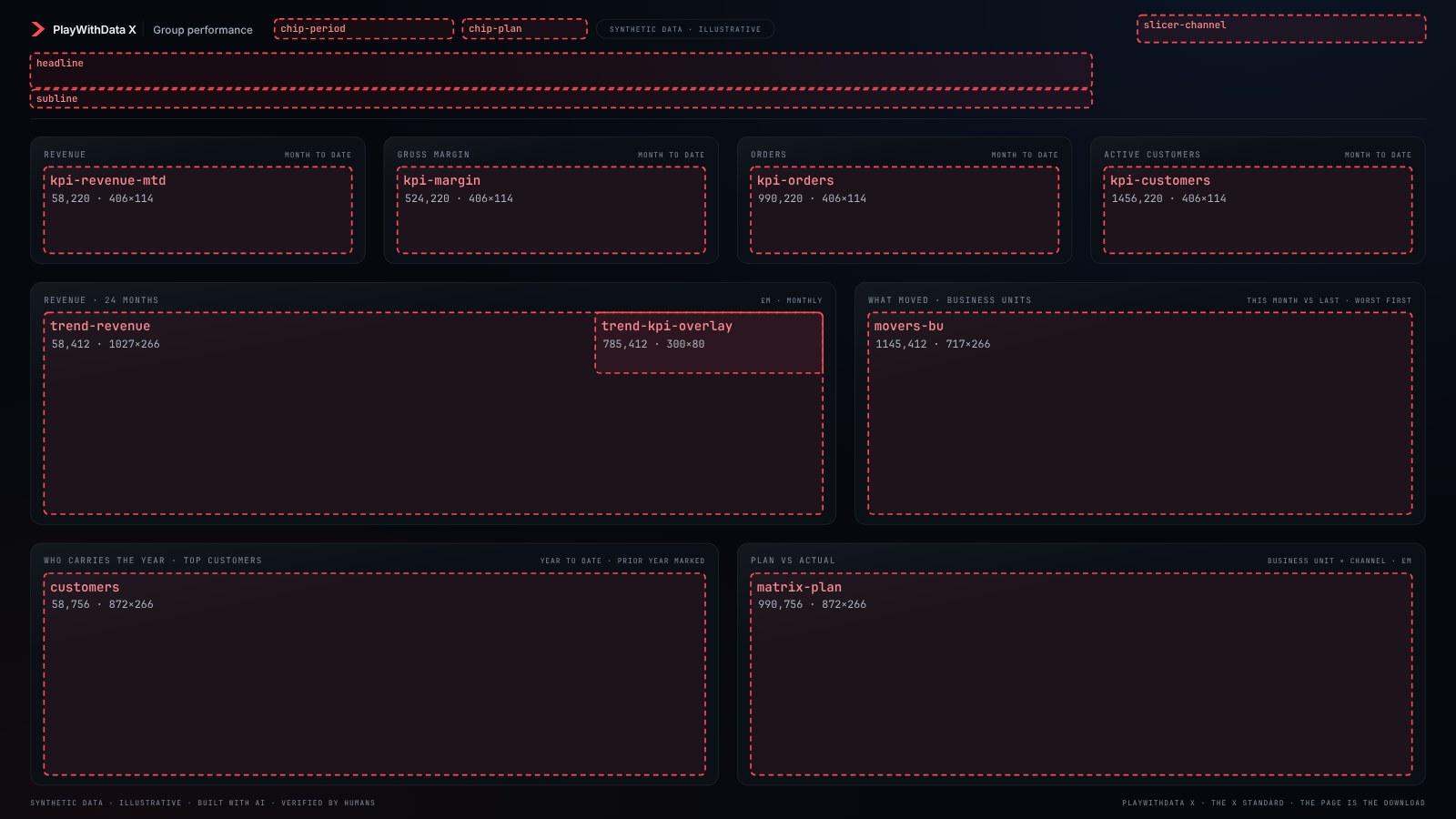
The generator’s own output: the background it writes, with each visual slot drawn from positions.json
Layout generator · Beta
Design the whole page. Down to the pixel.
A visual layout editor for Power BI: start with a curated dashboard, move and resize zones, work across pages, and export a clean SVG or PNG background with pixel positions. An advanced Python generator is also included.
- Drag and resize dashboard zones
- Four visual starter layouts, one of them God Mode
- SVG, PNG and positions JSON exports
- Local editable projects
- Advanced Python generator as a separate ZIP
- No backend, no account
Browser interaction checks; Power BI Desktop output confirmation pending
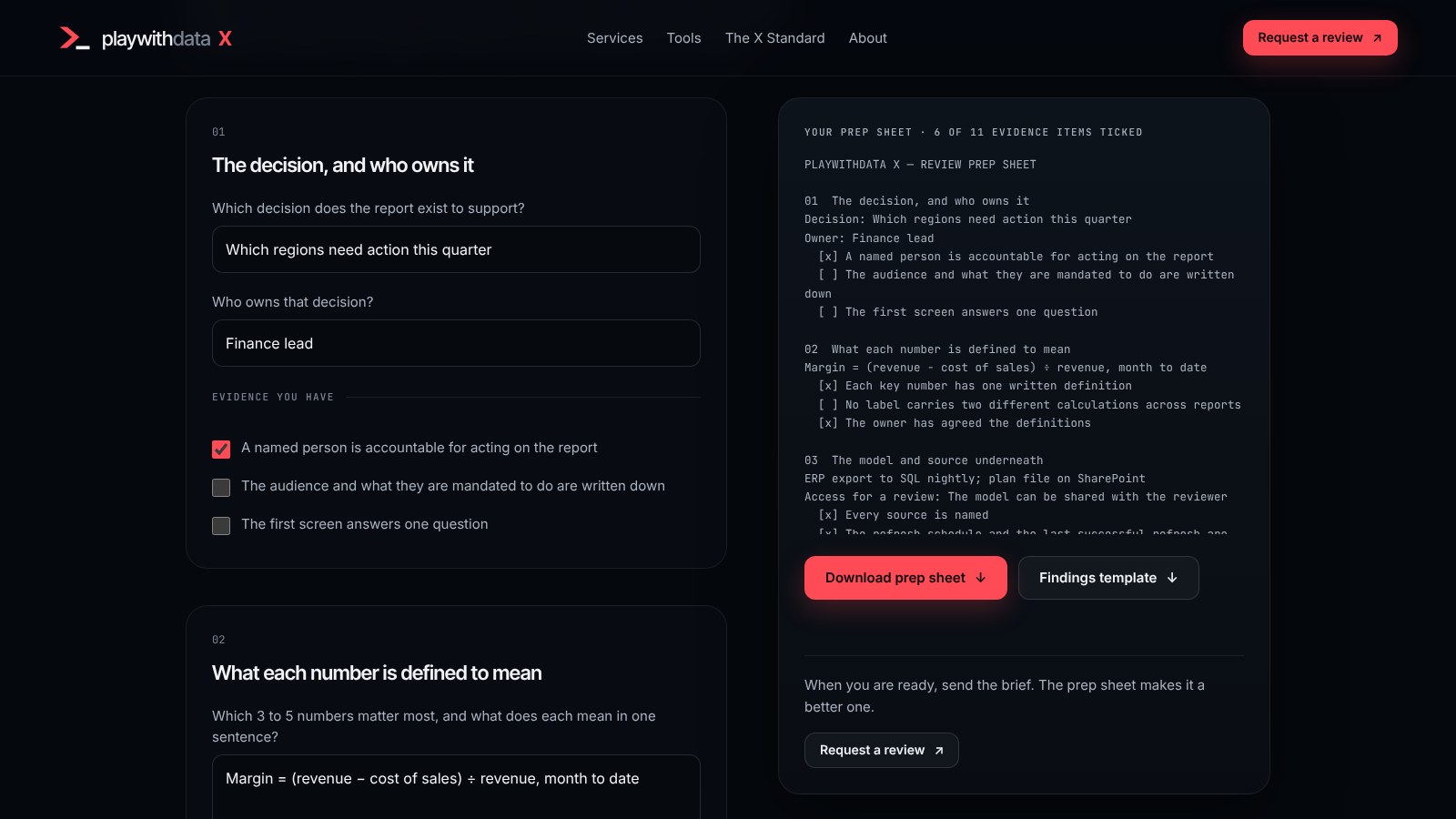
The prep sheet with example answers typed in · nothing you type is sent
xReview prep sheet · 1.0
Know what a review will ask, before you send the brief.
The four questions a Power BI report review starts with, each with the evidence it needs. Answer what you can and tick what you have: it writes a plain-text prep sheet on your device and lists what is still open. It is a preparation sheet, not a review.
- Runs in your browser
- Four questions, 11 evidence items
- Plain-text prep sheet
- Findings template (Markdown)
- No score, no analysis, no certification
- Nothing is sent
Tested in a real browser against an independently written expected text
How the shelf works
A tool is listed here when it can be opened, run or downloaded today, with its version, what it is made of, and what it will not do. Nothing is listed ahead of time.